


VocalEyes
Project Description
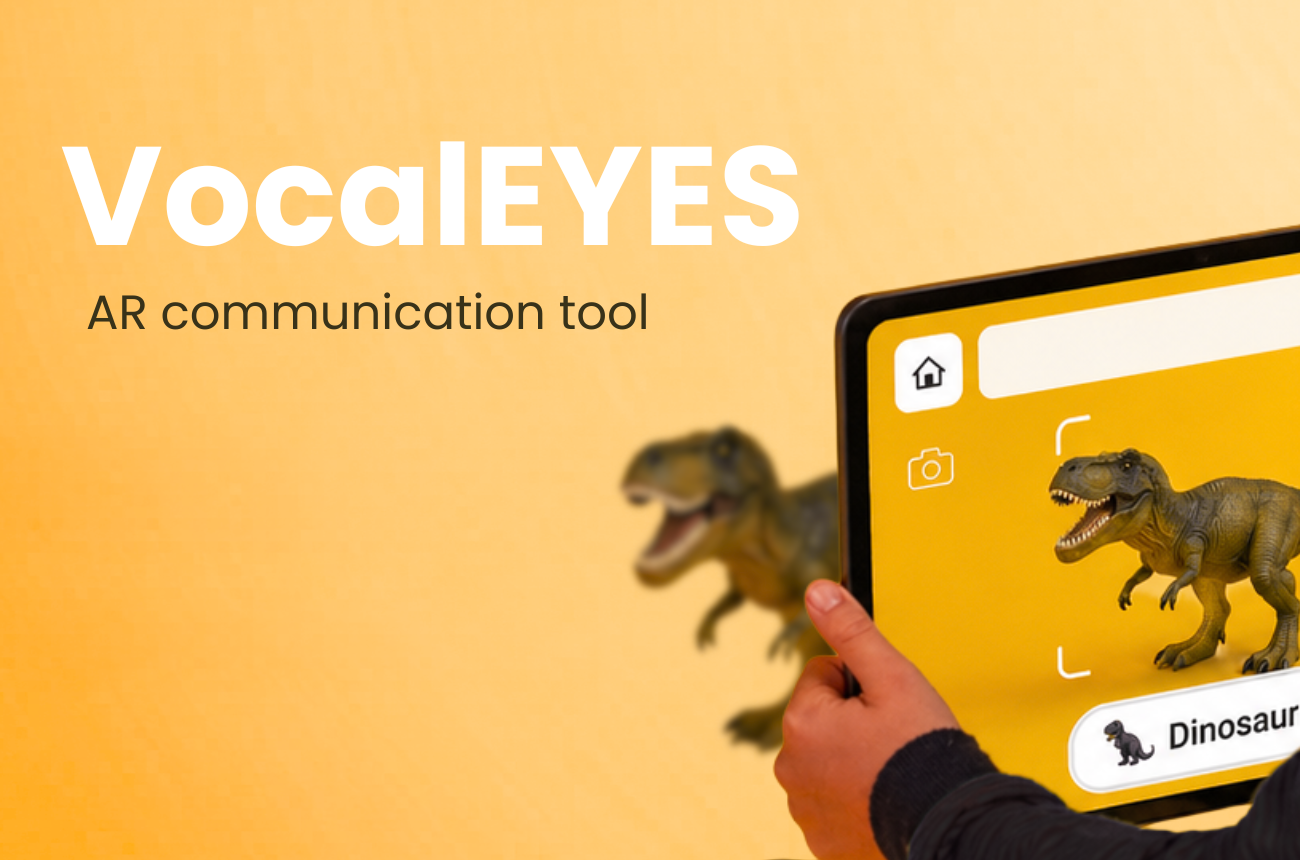
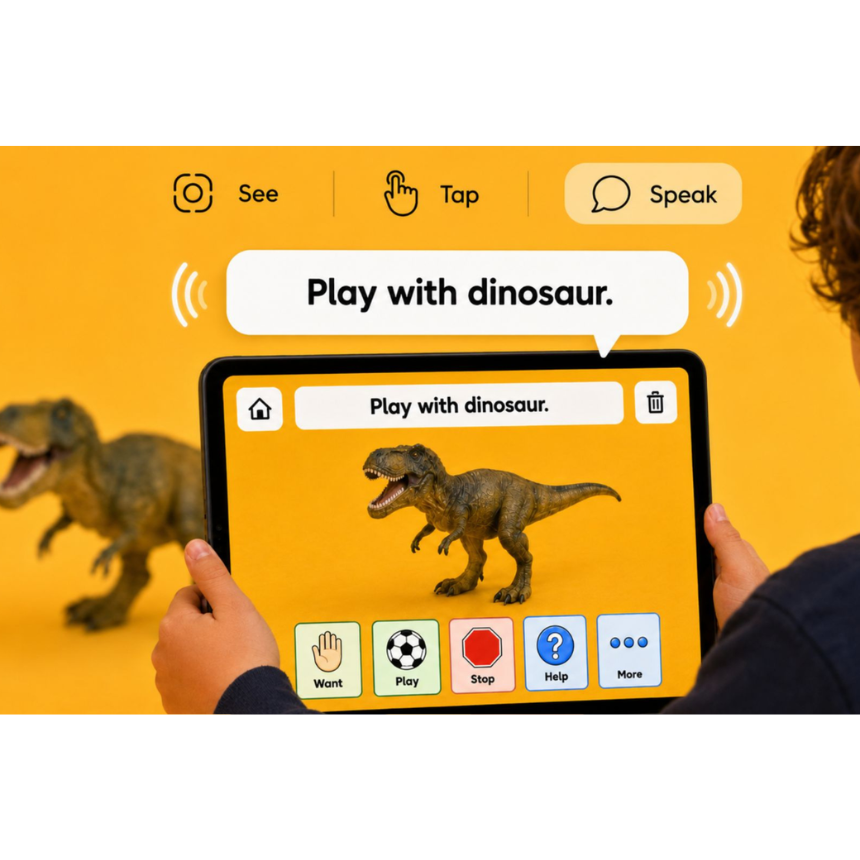
"VocalEyes is an iPad-first AR communication prototype designed for nonverbal and minimally verbal children. The project explores how AAC, or augmentative and alternative communication, can feel more immediate, playful, and connected to the real world. Instead of asking a child to leave the object they want and search through a large grid of icons, VocalEyes uses the iPad camera to bring language directly to the object in front of them. When the child points the camera at a trained object, such as Play-Doh or Mott’s fruit snacks, the app recognizes it, freezes the frame, and displays simple AAC options like Want, More, Help, Play, Eat, Stop, or All Done. When a button is tapped, the sentence bar updates and the device speaks the phrase out loud. I designed the experience in Figma and collaborated with a developer to build a working Unity/TestFlight iOS prototype. The project was tested live at my graduate showcase with children, therapists, teachers, design professionals, and adult visitors. VocalEyes is not a replacement for a full AAC system, but a starting point for communication in the moment."
Problem
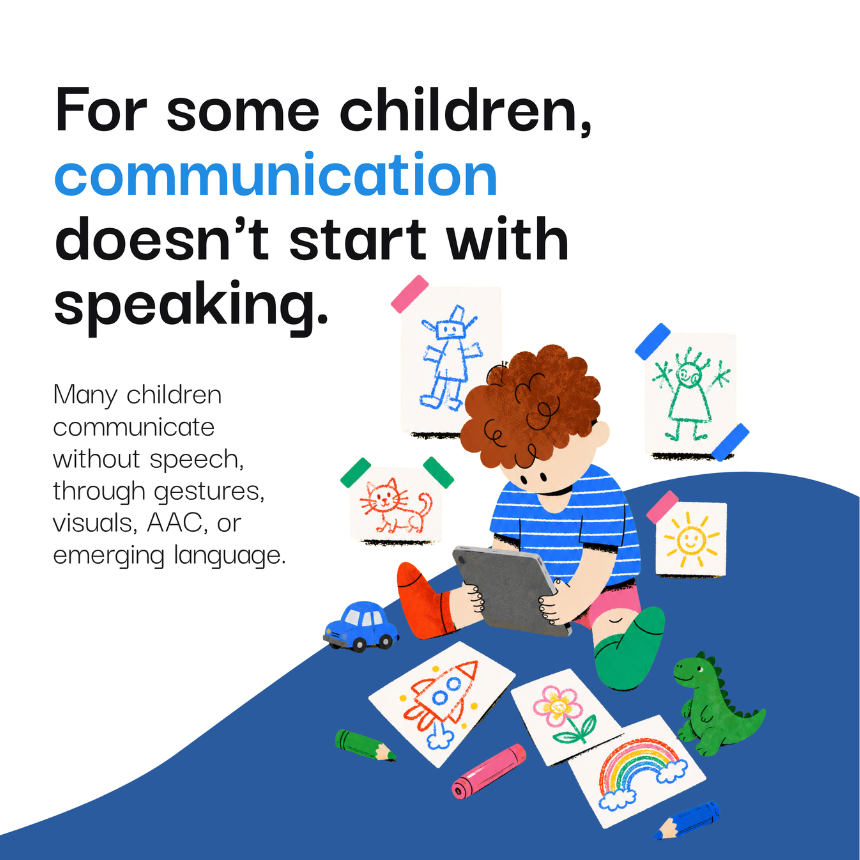
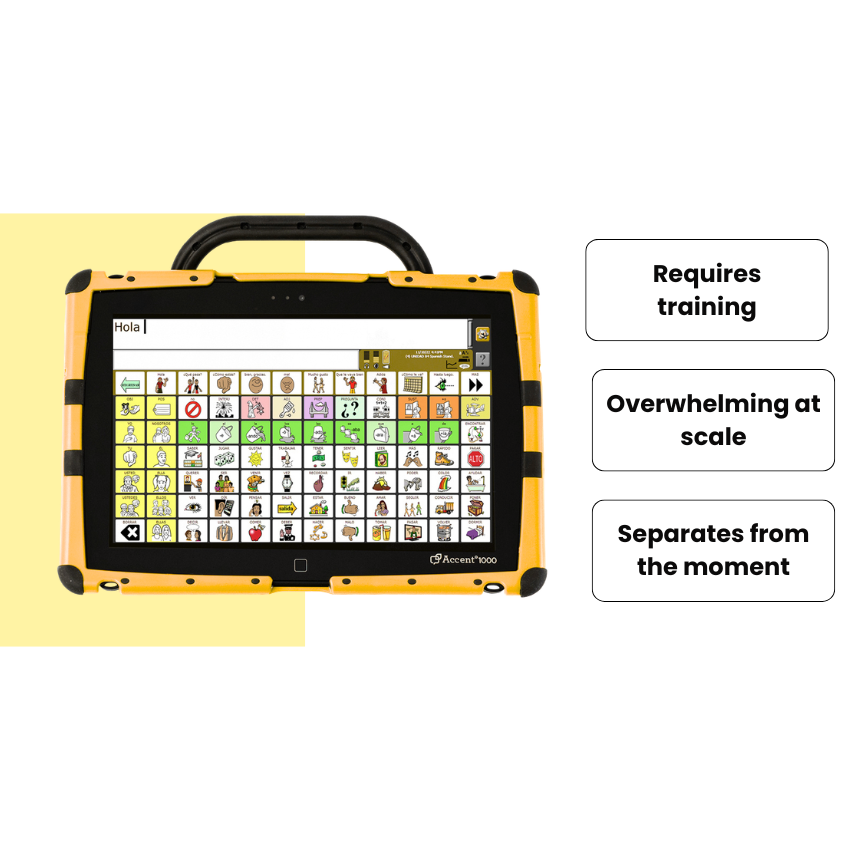
"For some children, communication does not begin with speech. It begins with reaching, pointing, gestures, visuals, or behavior. In my clinical work with young autistic children, I often saw moments where a child clearly wanted something — a snack, toy, help, more time, or a break — but did not have a fast or reliable way to express it. AAC tools can be life-changing, but they can also be difficult to use in the exact moment they are needed. Many systems require training, consistent adult modeling, and the ability to search through large grids of icons. For a young child who is still learning symbols, has limited motor control, or is already frustrated, that process can create a gap between the object they want and the word they need. The problem I focused on was this gap. How can communication stay connected to the child’s real environment instead of pulling them away from it? I wanted to design a tool that reduced friction, kept the object visible, and gave the child a way to communicate even when recognition failed. The biggest challenge was balancing an ambitious AR concept with the practical limits of a working prototype, while still making the interaction feel simple, accessible, and emotionally meaningful."
Insights
"My process began with observation from my clinical work with young autistic children. I noticed that many communication moments started before speech or AAC use: a child would reach, point, pull an adult toward something, or show frustration when they could not access the words they needed quickly enough. This helped me define the central insight of the project: the child was already communicating, but the tool was often too far away from the moment. From there, I researched AAC systems, core vocabulary, symbol-based communication, and common barriers to adoption. I focused on why AAC can become difficult to sustain in daily life, especially when systems require training, feel visually overwhelming, or separate the child from the object they want. I explored user flows, sketches, and Figma prototypes for a camera-based AAC experience. I designed the main interaction states: scanning an object, recognizing it, freezing the frame, showing AAC buttons, updating a sentence bar, playing voice output, and offering fallback vocabulary if recognition failed. User testing shaped the biggest design decisions. I learned that the object should stay visible because it acts as the child’s anchor. I also learned that freezing the screen made the interaction more accessible by giving the child more time to tap, process, and share the screen with an adult. The final prototype was built in Unity/TestFlight and tested live with children, teachers, therapists, design professionals, and adult visitors."
Solutions
"The final solution was VocalEyes, an iPad AR communication prototype that brings AAC language directly into the child’s environment. Instead of starting with a large grid of symbols, the child points the iPad camera at a real object. When the app recognizes a trained object, it freezes the frame, shows simple AAC choices, updates a sentence bar, and plays the selected phrase out loud. For the final prototype, VocalEyes worked with two trained demo objects: Play-Doh and Mott’s fruit snacks. These objects were chosen because they created clear, motivating communication moments. A child could scan Play-Doh, tap a phrase like “play” or “more,” and immediately connect that message to the real object in front of them. The prototype also included a fallback vocabulary tray with core words like Want, More, Help, and Stop, so the experience would not dead-end if recognition failed. The project was designed in Figma and built as a working Unity/TestFlight iOS prototype. At the graduate showcase, VocalEyes was tested live with children, teachers, therapists, design professionals, and adult visitors. The strongest result was that people understood the value through use. Children found it fun and rewarding to request Play-Doh or snacks, while adults and professionals quickly saw the potential for expanded object recognition, caregiver customization, voice recording, web access, and future clinical testing. VocalEyes proved the core interaction: communication can be more immediate when the word stays connected to the object. "